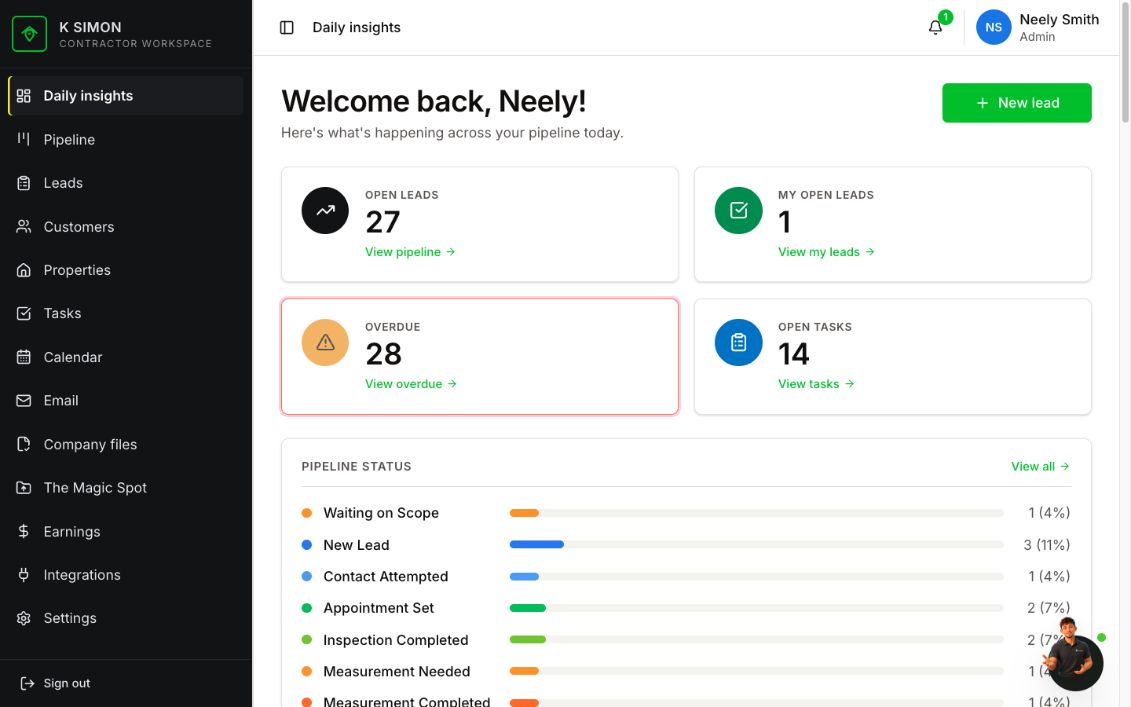
One connected record from first contact to final payment.
RoofSpot gives every lead a clear owner, every stage a next step, and every sold job a clean handoff into production and earnings.
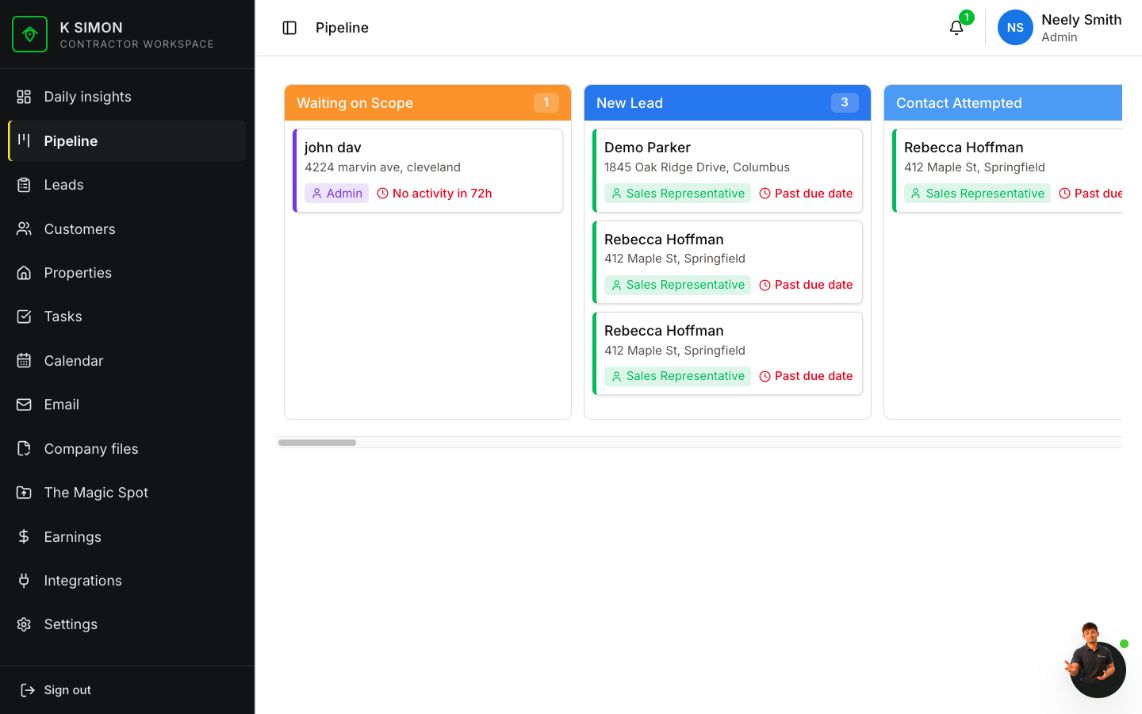
Add a lead from referral, door knock, storm list, or web inquiry with owner, property, source, and next step.
Put follow-ups, inspections, adjuster meetings, and reminders on the calendar while keeping the job file attached.
Document scope, calculate labor and material totals, track overhead and margin, and prepare proposal records.
Move insurance or retail work through estimate presented, contract signed, supplement, deposit, and ready-for-production states.
Attach files, photos, colors, materials, dates, work orders, and internal tasks so production knows what was sold.
Keep final invoice, payment status, profit, commission, and closeout history connected to the original job.
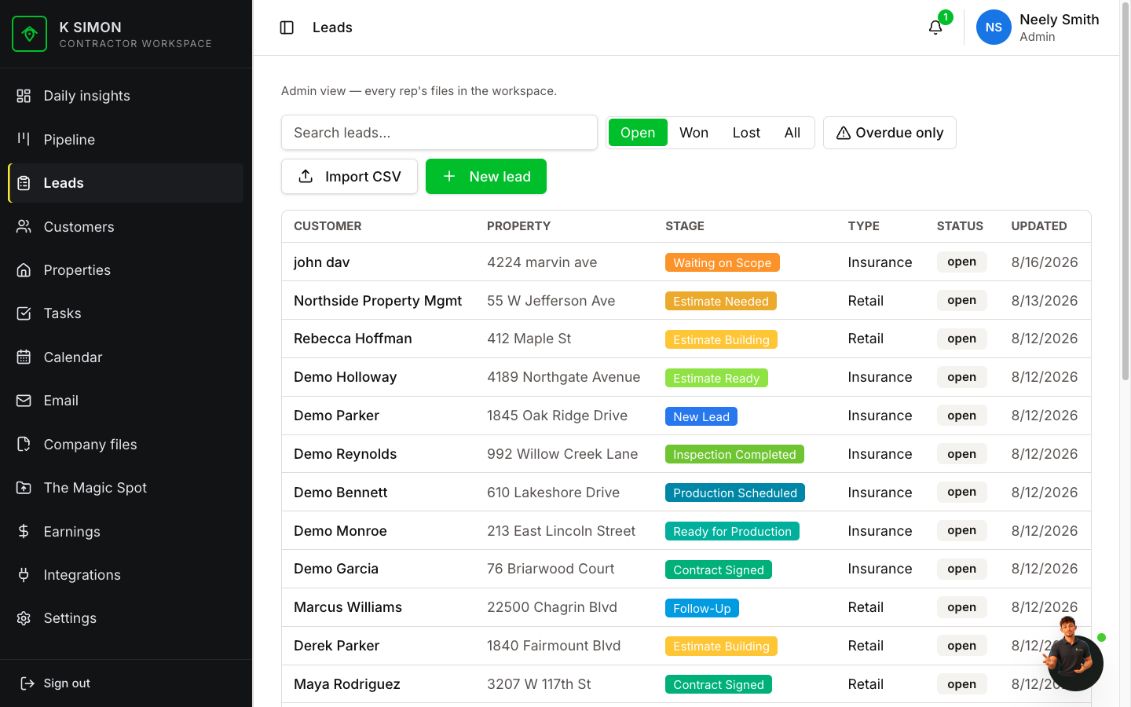
Managers see the whole team. Reps see what they need to move.
Admin views show every rep’s files, overdue work, pipeline stages, and quick actions. The dashboard turns that into a daily checklist instead of another report nobody opens.
Let prospects inspect the workflow without touching production data.
The demo mirrors the real CRM shape and keeps create, edit, upload, send, delete, and billing paths locked. It is safe for sales calls and outreach.
Open demo